Quotes

Life is short, break the rules. Forgive quickly, kiss slowly. Love truly, laugh uncontrollably and never regret anything that makes you smile. - Samuel Longhorne Clemens (Mark Twain)
Showing posts with label Laser Engraver. Show all posts

Tuesday, July 27, 2021

Bit the bullet - Pulled out the Laser


Neje Master 2, 20Watt Laser Engraver/Cutter, mounted up and in action.

I had talked to my brother about getting the laser engraver but I hadn't really mentioned that I hadn't done anything with it yet. I was a bit intimidated and I thought that I needed some software for the design element. He asked if I could engrave some wood blanks that he was cutting from branches from his backyard that would then serve as name plates at the reception tables. With a little pushing from my wife I agreed and I pulled it to see what I needed to do.

First things first I mounted it on a sturdy piece of 1/2" plywood that was leftover from another wood project. I finished the edges a bit to avoid splinters and gave the surface a quick once over with the sander as well. So much for the easy part.

Using the QR code on the side of the engraver I got to the instructions and downloaded the controller to my iPad. At this point I discovered that all I needed to do was bring in the image and the controller would actually create a cleaned up image for the laser. I think I spent less time getting the image and adjusting it than I took mounting the engraver to the base (which did involve a run to the hardware store for some #8 screws, washers and nuts). Then it was just adjusting the output of the laser to get a good image on the wood. Something to keep in mind with these types of laser is that the wattage stated is the power usage, the actual output is about 7 watts.

Full power, 100%, pretty much a charred mess. I could actually see flames!

50% power,  better but still a lot of charring but a lot less flaming

25% power, much better, edges still a little rough and the cut is deeper than it needs to be.


15%, nice and sharp, but figured I would try the lowest setting to reduce the depth of the engraving

10% power, pretty much bang on. This is what I'm running with.


The image as created by our soon to be sister in law. I'm not sure why the letters are sharp and the heart is pixelated but I took a photo, loaded into the Neje software and it created a couple of images for me to choose from. It worked out quite nicely in the end. I had to darken a couple of areas to make a nicer cut at the top edges,


Tuesday, April 13, 2021

New Tool - Neje Master 2s Laser Engraver/Cutter

I have been debating over three new tools for about a year now; CNC machine, 3D printer or a Laser Cutter/Engraver. After some pretty serious evaluation (at least for me) I decided that the Laser Cutter/Engraver was going to be the most useful from a modeling standpoint.

Neje just released a 30w laser for their Master 2s machine which put it over the top for me. These small units are really meant for engraving but the higher powered laser (although its not 30 watts of laser output by the way) will make it reasonable to cut the thinner stock that I typically work with especially the PVC foamed core material and 3mm plywood.

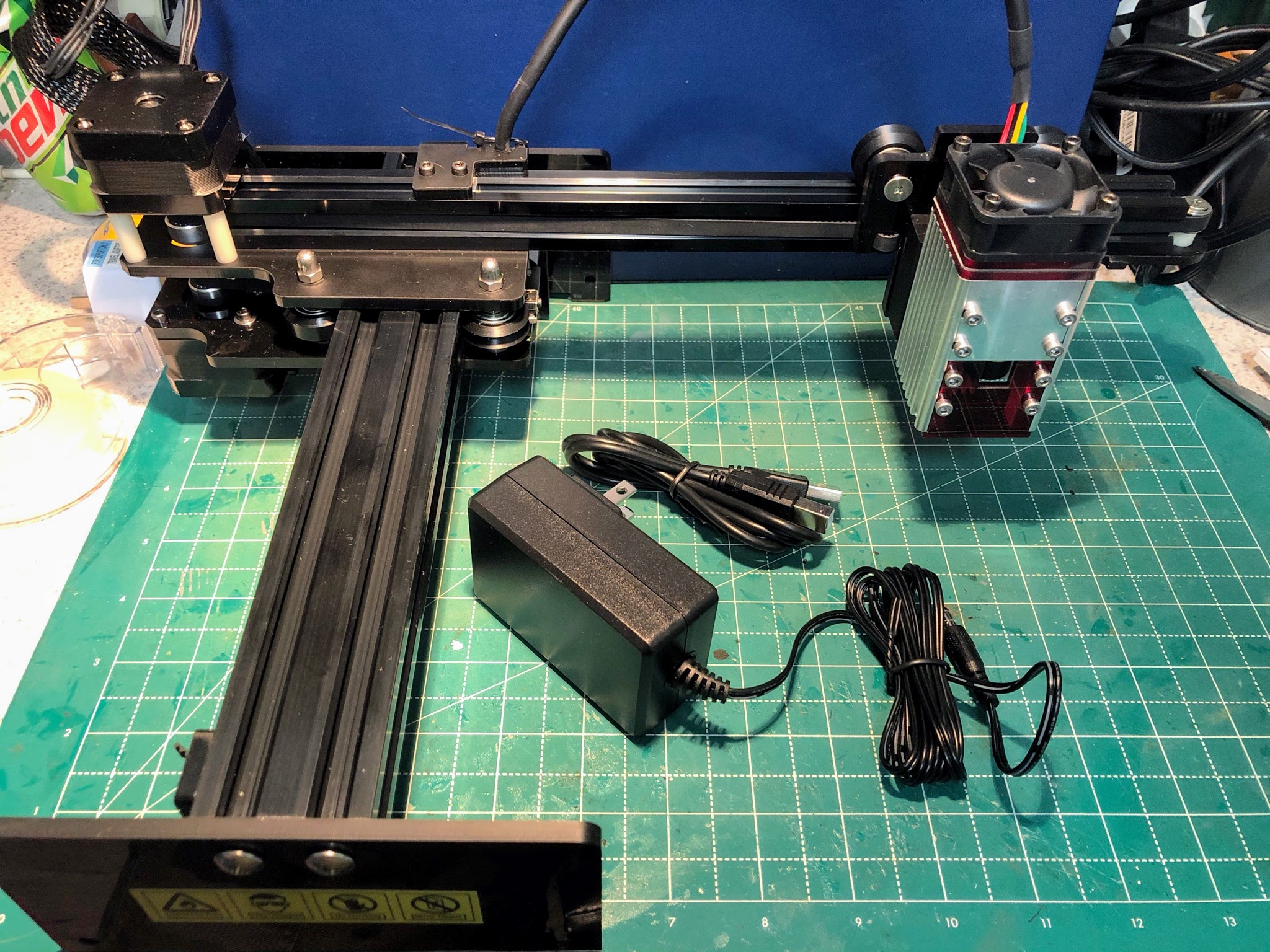
All I have done at this point is unbox it and put it together. I need to find some time to get the software downloaded and the firmware updated before I can put it through its paces. But I'm certainly looking forward to "firing"it up!

It certainly came well packaged

The "instruction" book. It you can put it together but that's about it. Fortunately it includes the link to the website in the form of a QR code inside.

While it looks like a mess here, you really only have to attach the laser arm to the base and the laser to the laser arm.

All assembled and ready for some power